
Tag, Scan, Done.

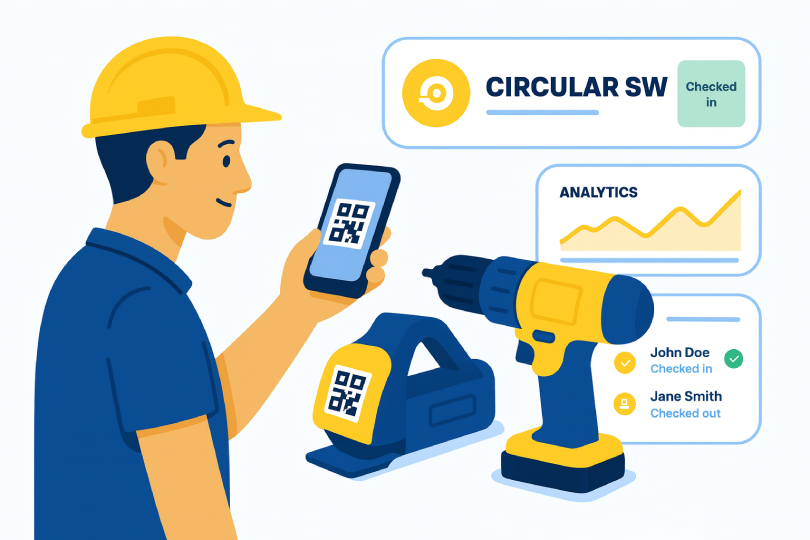
Put a QR on each tool, scan to check-out or check-in, and always know who’s got what - from any phone.
Go to Dashboard Explore Features

Without toolQR

  • “Who had it last?” back-and-forth
  • Lost drivers, dead batteries, delays
  • Sheets and boards that go stale

With toolQR

  • Two-tap check-out / in on site
  • Live holder + due-back time
  • Fewer losses, faster hand-offs
How it works

From QR to accountability

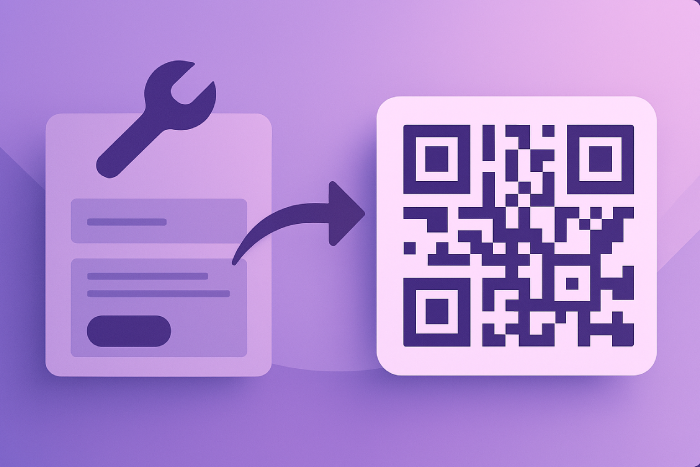
Create a tool in toolQR
Step 1

Create a tool

Add name and details. toolQR generates a unique QR instantly.
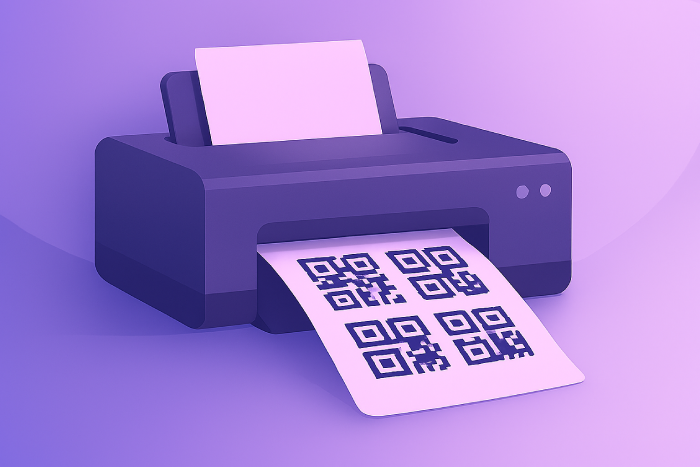
Print QR label
Step 2

Print a label

Use regular paper or weather-proof stock. Batch print for many tools.
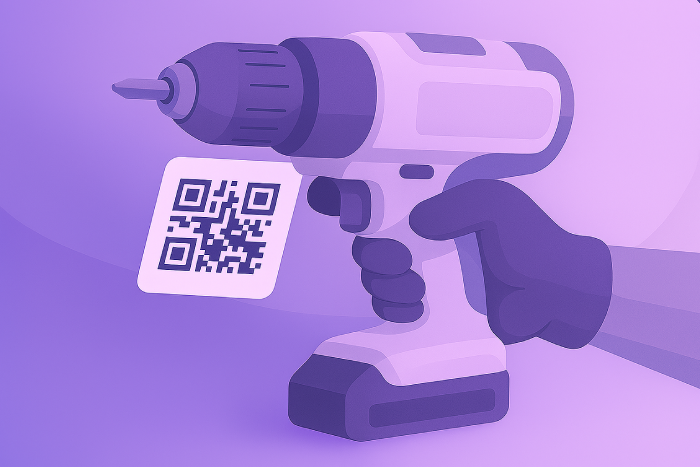
Stick label on the tool
Step 3

Stick it on

Apply to the tool (and case/charger if needed). You’re live.
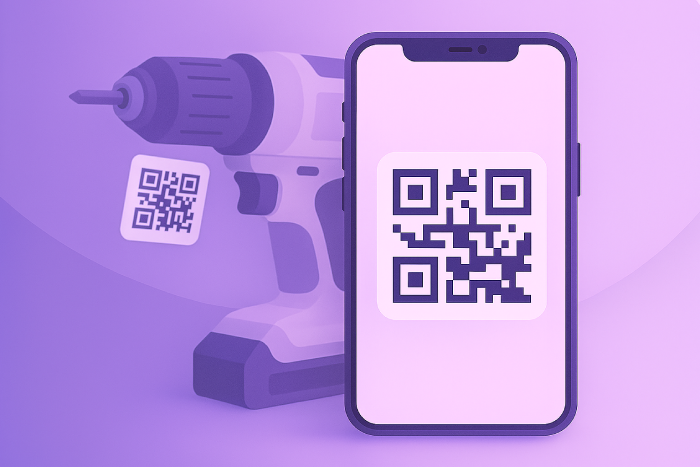
Scan to check-out/in
Step 4

Scan to check-out/in

Crew scans with any phone to log who has it - fast and accountable.

Go to Dashboard

Instant access - no app needed

Outcomes

What teams notice first

Accountability

Every scan ties to a person with a time stamp and due-back.

  • Names on every action
  • Clean return history
  • Clear ownership

Productivity

Two taps beats paper logs and stale spreadsheets.

  • Seconds, not minutes
  • Paperless logging
  • Fast onboarding

Loss prevention

Unique QR per tool makes it easy to find and return gear.

  • Instant identification
  • Who had it & when
  • Reduced downtime
Features

Built for field crews

Scan & quick lookup

See details and last activity the moment you scan a code.

Check-out / Check-in

Log who has the tool and when it comes back. Clear, searchable history.

Usage insights

Spot busy or idle tools at a glance and plan purchases better.

Team members

Add workers so hand-offs are tracked by name, not guesswork.

Any phone

Use the built-in camera - no special app required.

Email support

Get help when you need it. Priority for paid plans.

Simple plans

Pick a plan that fits

Starter

$15/mo
  • Up to 30 tools
  • Unlimited QR scans
  • Full check-out/in history
  • Insights dashboard

Choose Starter


Team

$29/mo
  • Up to 100 tools
  • Unlimited QR scans
  • Full check-out/in history
  • Insights dashboard

Choose Team


Company

$59/mo
  • Up to 500 tools
  • Unlimited QR scans
  • Full check-out/in history
  • Insights dashboard

Choose Company


What crews say

“We stopped losing drivers and batteries. The scan log ends the ‘who had it last’ debate.”

— Alex M., Site Lead

“Setup took an afternoon. Now everyone actually checks things out.”

— Rita P., Shop Manager

“toolQR paid for itself in gear we didn’t replace.”

— Dan S., Contractor

Frequently asked

Do I need special QR labels?
No. Start with regular printer labels. For heavy use, pick weather-resistant stock.
Can my team use their phones?
Yes. Any modern smartphone camera works - no app.
Can I change plans later?
Anytime. Upgrades or downgrades apply immediately.
What payment methods do you accept?
All major credit/debit cards. Invoicing available for larger accounts.
How is my data handled?
We store records securely and do not sell data. See Privacy for details.

Ready to stop losing tools?

Join toolQR and keep track of your gear with ease.

Start Here

Contact

Email: support@gettoolqr.com

We usually reply within 1–2 business days.

Privacy & Terms

We collect the minimum required to run the service (account email, usage logs). We don’t sell data.

Read our full policies here:

Privacy Policy · Terms of Service